![Teleport. [Color Reveal.]](/assets/images/products/teleport.png)
Atom Card
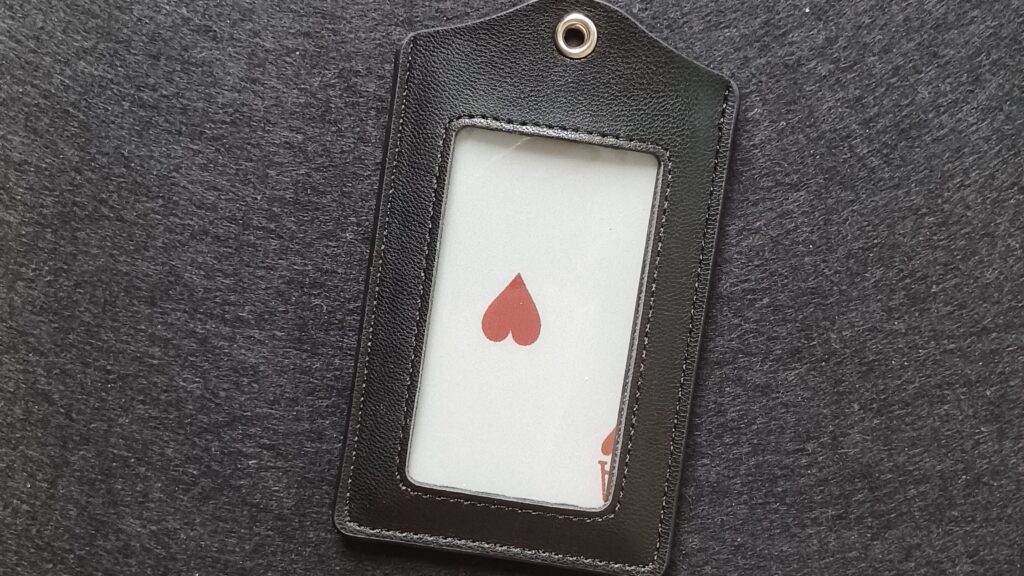
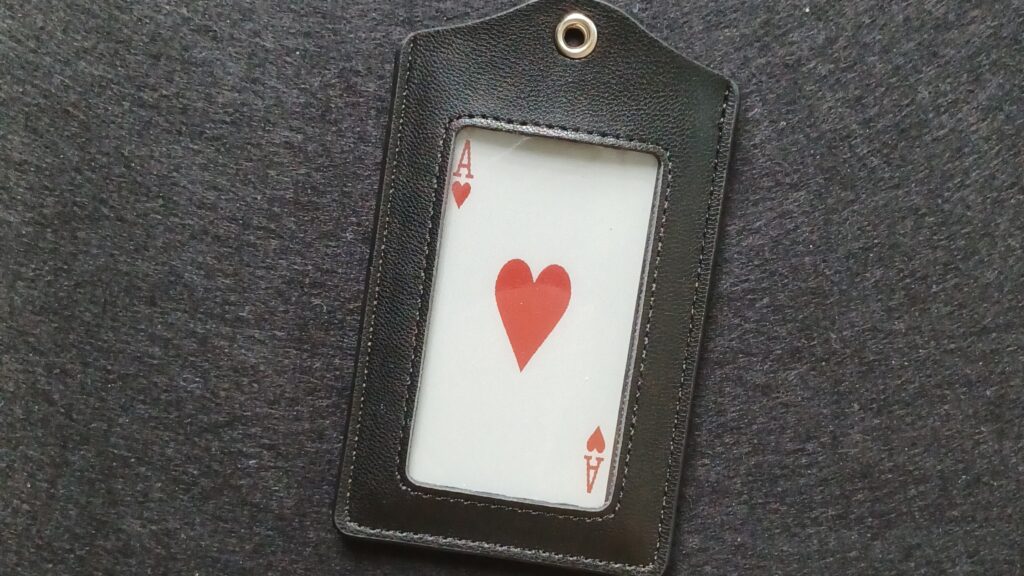
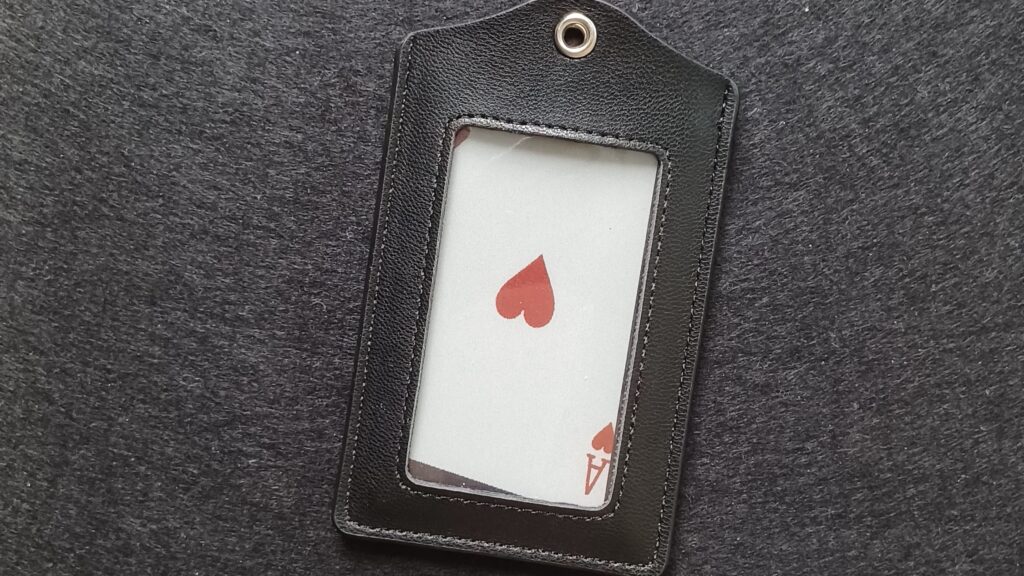
Enter a playing card into Atom.
It can be sent to Teleport in several formats:
-
Poker (standard playing card layout)
-
Bridge (narrow format)
-
Tilted Poker (for more natural-looking reveals)
Great for stacked deck reveals or card predictions .
How it Works
-
Install the Preview firmware (v2.4.1) to Atom in the MagiScript editor
-
Make sure that Atom and Teleport are charged
-
To launch the app, turn on Atom and press button #2 during the 5‑sec launch window (while the LED is cyan) It will connect to Teleport automatically.
-
If you use it for the first time you need to change some settings in the PeekSmith App or in the MagiScript editor.
-
In the PeekSmith App go to the Settings than connect to Atom under the CONNECT DEVICES tab, if you connected press Details than press Device Settings scroll down to ATOM STACK
-
Open the MagiScript editor and connect your Atom. Press Atom Settings than go to Mini-Apps Follow the Editor Basics guide if you need more details.
Input MethodSimple (CHDS) POS
-
1= ♣A
-
13= ♣K
-
14=♦A
-
27=♥A
-
40=♠ ️A
CHDS, Value – Two presses
First press
- 1=♣ 2=♦ 3=♥ 4=♠
Second press
- 1=A … 13=K
Send to Teleport
-
Off – It won’t send anything to Teleport
-
Poker Card – Sends a Poker Card to Teleport
-
Bridge Card – Sends a Bridge Card to Teleport
-
Tilted Card – Sends a Tilted Card to Teleport