

![Atom 2. [Smart Remote.]](/assets/images/products/atom-2.png)
Atom Unlock
Unlock the Spectator’s Phone - An Impossible Effect
You can launch this mini-app using the Atom Alias mini-app (button 6), or if you would like to launch it directly, assign a button to it.
Unlocking a phone is an impossible effect, and the fact that you don’t need to touch the phone makes it even stronger.
With the Atom Unlock built-in mini-app, you can unlock a spectator’s phone by typing their PIN code – without touching their phone! While a few steps are involved, here’s how it works:
- First, you need to obtain the PIN code. This can be done pre-show or using an app like iThump/Toxic, where the spectator enters their PIN, and you can discreetly peek at it.
- Next, connect Atom to their phone. You can do this by having them unlock their phone, claiming you need to load a webpage. Then, quickly navigate to the Bluetooth settings and pair Atom. Once connected, you can truly load a webpage – such as Inject – and proceed with your performance.
And you are ready to unlock the phone later during your show.
Launching and Using the Atom Unlock Mini-app
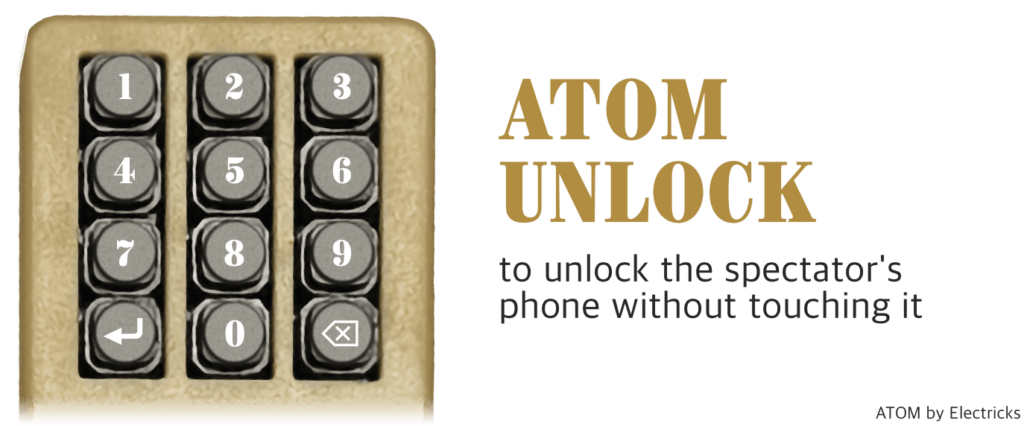
By default, the Atom Unlock mini-app is not assigned to any button, however, it is launched by the Atom Alias mini-app, which renames your Atom to a device like “AirPods Pro”. You can launch it with button #6 (when Atom is in launch mode).
Then you can enter a four or six digit number on the keyboard of Atom, and press the Submit button (bottom-left) and basically you are ready to go. Atom will slowly repeat the numbers, and imitate typing them, and in the end, the phone becomes unlocked.
Why Device Renaming Enhances the Effect
While Atom remains paired with the phone, if it is renamed to “AirPods Pro” or another common device name using the Atom Alias mini-app, the spectator will not notice it. This stealth approach makes the effect even more impossible, as the spectator won’t realize their phone is connected to your device. The fact that you never touch their phone during the effect makes it even more convincing.