

![Atom 2. [Smart Remote.]](/assets/images/products/atom-2.png)
Cursor Keyboard
For Inject 2 and Other Navigation Needs
Launch this mini-app with button 9 (3rd row-right).
The Cursor Keyboard (button #9) replicates keyboard cursor keys, facilitating navigation in apps like Inject 2 (by Greg Rostami), where swipe input is utilized. Leveraging all 12 keys of Atom, this keyboard enables effortless finger navigation. All keyboard-related mini-apps require Atom to be paired with your phone as a Bluetooth Keyboard to function. Learn how to pair as a Bluetooth Keyboard.
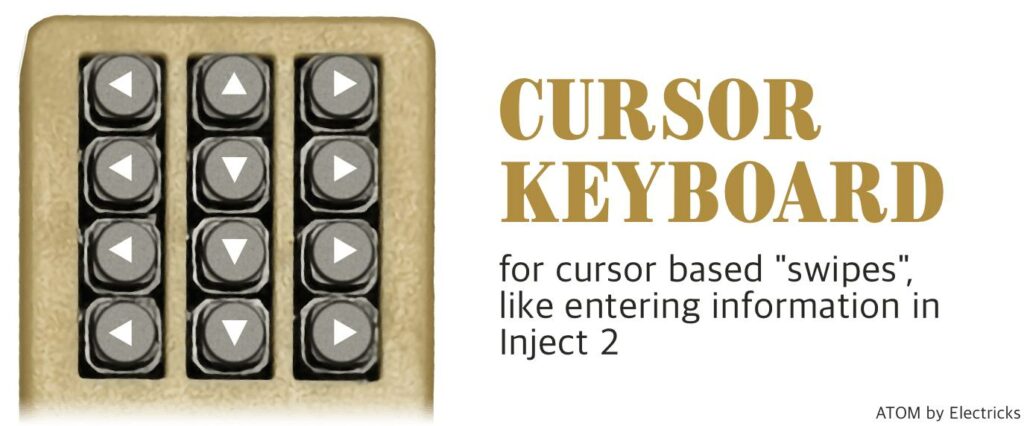
Integration with Inject 2
The Cursor Keyboard works well with Inject 2, allowing you to enter information in the app during performances. Learn more about setting up Inject 2 with Atom.